You seem to be on an old web browser - most options will not work. Please update your browser.
Fotor Alternatives: Top Design Tools for Photo Editing, Marketing & Visual Content Creation
Last Updated:
In today’s visual-first marketing world, photo editing and design tools are essential for creating scroll-stopping content. Fotor has long been a favorite for creators and marketers thanks to its easy-to-use interface and powerful photo enhancement features. But as content needs grow—especially for video, animation, and publishing—many users are looking for Fotor alternatives that offer more flexibility, creative freedom, or built-in marketing functionality.
In this guide, we’ll take a closer look at what Fotor does best, what to consider when switching tools, and the 10 best Fotor alternatives, starting with the all-in-one design and marketing platform,PosterMyWall.
What is Fotor?
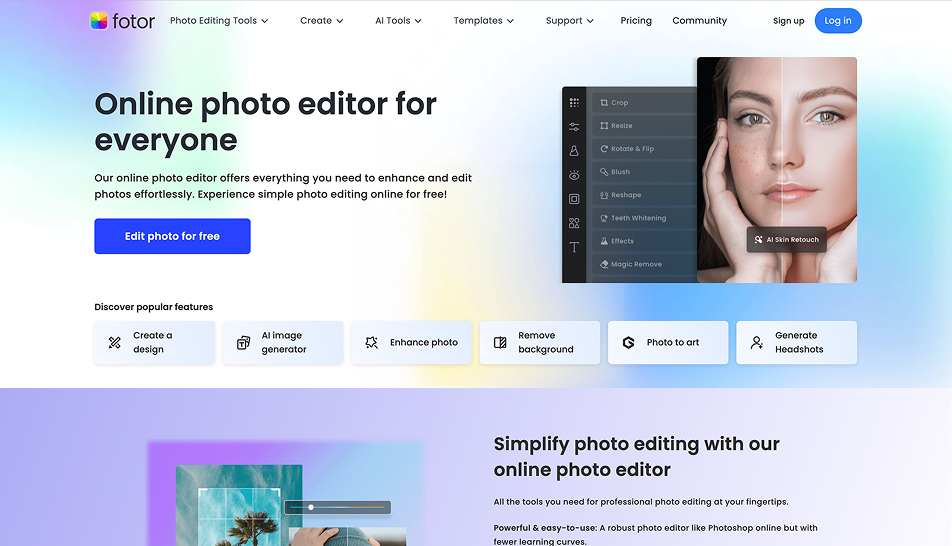
Fotor is a cloud-based photo editing and graphic design platform known for its AI tools, filters, and batch editing capabilities. It’s a go-to solution for ecommerce sellers, content creators, and individuals who need to quickly enhance photos or build simple marketing visuals without diving into complex software.
Key Features of Fotor
AI-Powered Editing Tools: One-click background remover, AI photo enhancer, beauty retouch, and color correction streamline manual editing tasks.
Design Templates: Fotor offers templates for social media posts, posters, flyers, resumes, and collages with simple customization options.
Batch Processing: Edit or retouch hundreds of images simultaneously—a major time-saver for ecommerce or product photography.
Collage Maker: Combine photos into grid or freestyle layouts, ideal for blogs, lifestyle content, or event recaps.
HDR & Effects Library: Apply artistic filters, photo frames, stickers, and light leak effects to give photos a professional or creative twist.
Cloud-Based Access: No downloads or installation required—design and edit from any device with an internet connection.
What to Consider When Choosing a Fotor Alternative
While Fotor is excellent for photo-centric work, it has limitations—especially when it comes to animation, branding, or publishing workflows. Here are the top factors to evaluate when choosing an alternative:
Template Variety & Flexibility: Does the platform support more than just photo-focused visuals—like video, animated posts, infographics, or email graphics?
Ease of Use vs. Customization: Can the tool adapt to both beginners and advanced users? A balance of simplicity and creative control is ideal.
Video & Motion Graphics Support: If you’re creating reels, animated ads, or social videos, you’ll want tools that go beyond static design.
AI-Powered Automation: Look for AI features like background removal, image enhancement, and smart resizing to accelerate your workflow.
Marketing & Publishing Features: Can you publish your designs directly to social media or send them via email without third-party tools?
Collaboration & Branding Tools: If you're working with a team or across multiple campaigns, asset storage, brand kits, and shared folders are a must.
Absolutely! Here's the enhanced competitors section for your “Fotor vs Alternatives” article, with richer context, use cases, and differentiators for each tool to give readers a clearer idea of when and why they might choose them over Fotor.
10 Best Fotor Alternatives
1. PosterMyWall – Best All-in-One Fotor Alternative
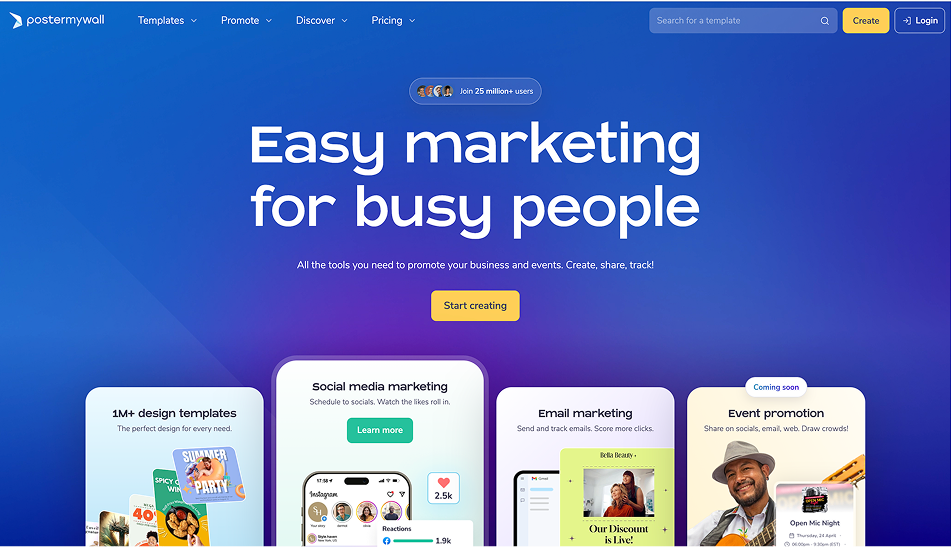
PosterMyWall isn’t just a photo editor—it’s a full creative suite combining graphic design, video editing, animation, social publishing, and email marketing in one platform. Unlike Fotor, which is primarily focused on photo editing, PosterMyWall provides tools to create, customize, and distribute content across digital channels—perfect for small businesses and content teams.
What Makes It Stand Out:
More Than Just Photos: While Fotor focuses on photo refinement, PosterMyWall helps you turn those images into branded graphics, animated posts, and videos for social and email marketing campaigns.
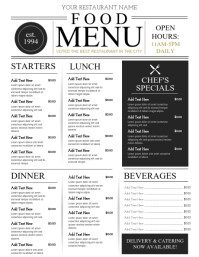
Professional Templates: With 1M+ templates for menus, digital signage, posters, flyers, social posts, and more, it’s ideal for users across industries like retail, education, fitness, and churches.
Marketing Built-In: Instead of downloading your design and switching to another platform, you can schedule social posts or send marketing emails right from PosterMyWall.
Easy Video Design: Create Instagram reels, animated ads, or explainer content in minutes—something Fotor lacks entirely.
Best For:
Creators, small business owners, and marketers looking for a single platform to design, animate, publish, and promote content without needing external tools.
2. Canva
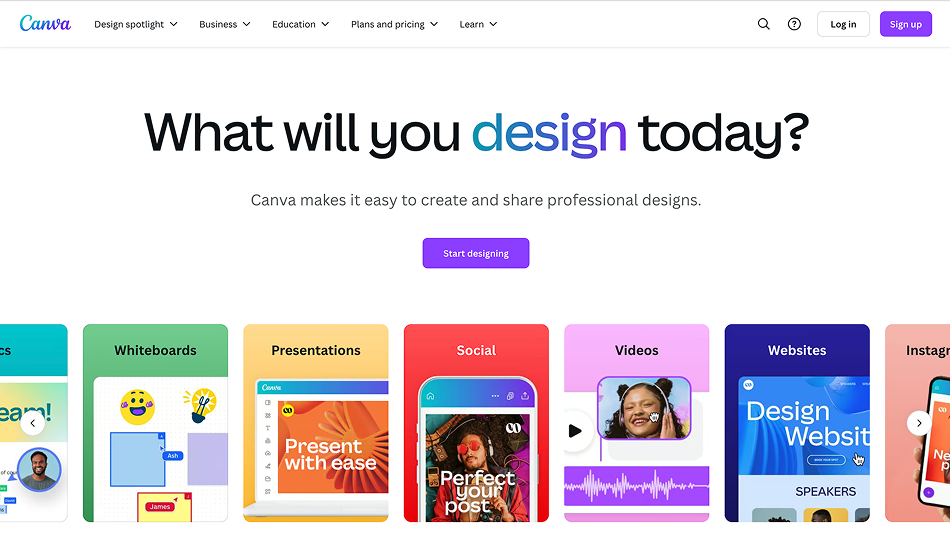
Canva is a powerful and versatile design platform with a massive global user base. It offers an easy-to-use editor, a wide range of design formats, and collaboration tools for teams.
Why It’s a Fotor Alternative:
While Fotor excels in photo manipulation, Canva goes beyond with multi-format design capabilities, making it an excellent fit for businesses that produce a high volume of content in different formats.
What Makes It Stand Out:
Teamwork Made Easy: Canva’s real-time editing, commenting, and shared folders allow for smooth collaboration across teams and departments.
Endless Content Types: From social posts and business cards to presentations, video reels, and full websites, Canva supports a wide spectrum of content formats.
Smart Editing Tools: AI features like Magic Resize and Magic Write speed up the creative process, especially for repurposing content across channels.
Content Calendar & Scheduler: Pro users can publish content directly from Canva to social platforms, reducing app-switching.
Best For:
Marketing teams, educators, agencies, and entrepreneurs needing collaborative, cross-platform visual content beyond just image editing.
3. VistaCreate
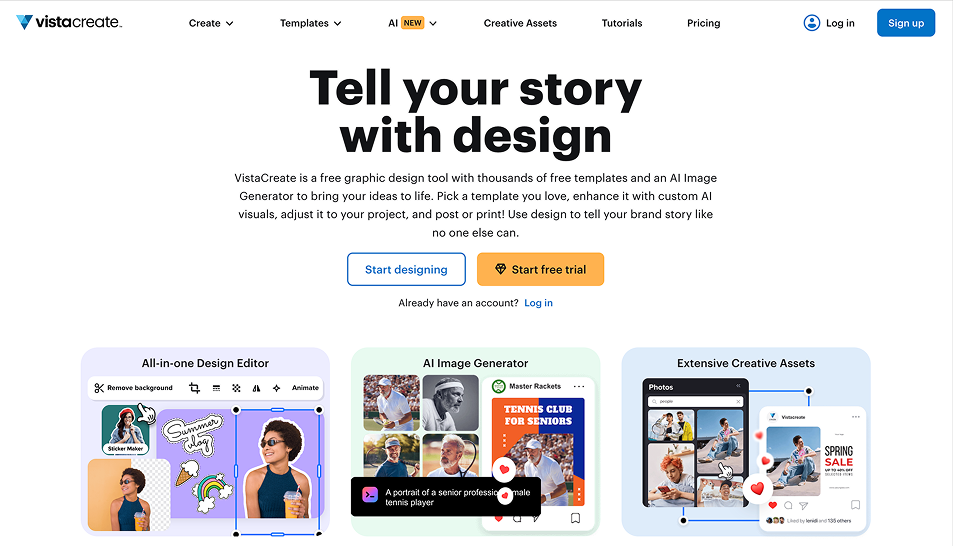
VistaCreate, formerly Crello, is focused on creating modern, dynamic visuals for social media. Unlike Fotor, which leans toward static visuals and photo enhancement, VistaCreate shines in the animated and video content space.
What Makes It Stand Out:
Social-First Visuals: VistaCreate provides templates optimized for TikTok, Reels, and Stories, helping brands stay relevant in fast-moving social feeds.
Motion Graphics Without the Learning Curve: Drag-and-drop animation lets users breathe life into graphics without needing After Effects or design experience.
Video Trimming & Editing: Built-in tools let you edit clips, add overlays, and publish short videos—all natively.
Flexible Brand Kit: Save colors, fonts, and logos so your team maintains consistency across animated and static designs.
Best For:
Social media content creators, influencers, and brand managers looking to create scroll-stopping video and animated content fast.
4. Pixlr
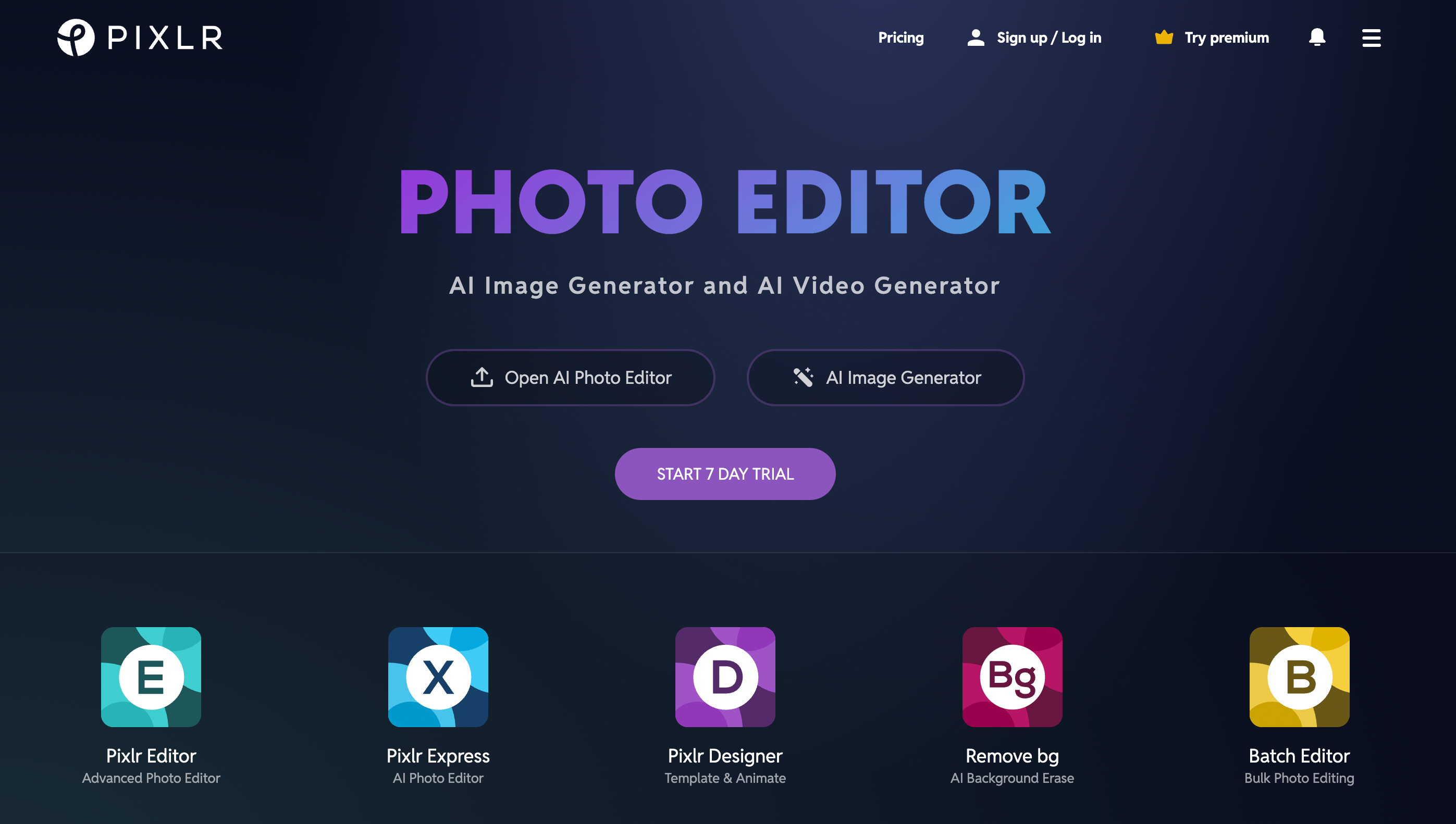
Pixlr is a browser-based photo editor designed for advanced users who want Photoshop-level control without the software bulk. It includes both Pixlr X (simplified) and Pixlr E (advanced) editors.
What Makes It Stand Out:
Pro-Level Photo Tools in a Browser: Unlike Fotor, which is beginner-friendly, Pixlr gives users more granular control with layers, masks, blend modes, and brushes.
AI-Powered Editing: Background remover, object eraser, and image enhancer are powered by machine learning for smarter, faster workflows.
Freeform Design with Templates: While image editing is its core, Pixlr also offers templates for social, ads, and banners.
Lightweight and Accessible: Since it’s browser-based, it’s accessible from any device—ideal for freelancers and students.
Best For:
Designers, photographers, and creators who need precision photo editing and advanced features without expensive software.
5. Adobe Express
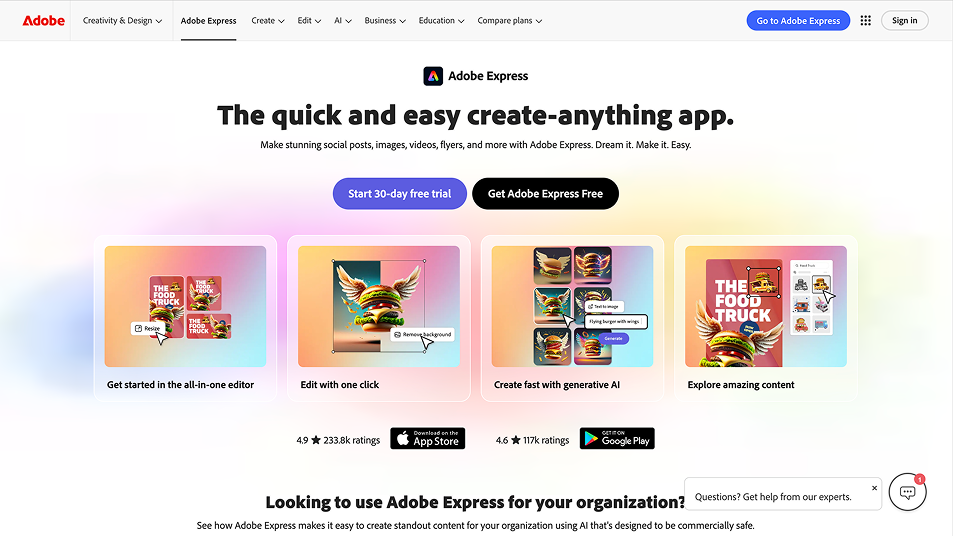
Adobe Express (formerly Adobe Spark) delivers Adobe-grade polish in an easy-to-use platform for non-designers. It’s a great alternative for users who want better branding and more professional templates than Fotor can offer.
What Makes It Stand Out:
Access to Adobe Stock & Fonts: Tap into Adobe’s massive library of royalty-free images, graphics, and premium fonts.
One-Click Enhancements: Remove backgrounds, apply text animation, or convert files quickly—ideal for content teams with tight timelines.
Creative Cloud Integration: Easily transition assets between Adobe Express, Photoshop, and Illustrator.
High-End Templates: Perfect for corporate branding, event marketing, or sleek business presentations.
Best For:
Business users and professionals who need fast, branded visuals with Adobe polish, without the learning curve of pro apps.
6. PicMonkey
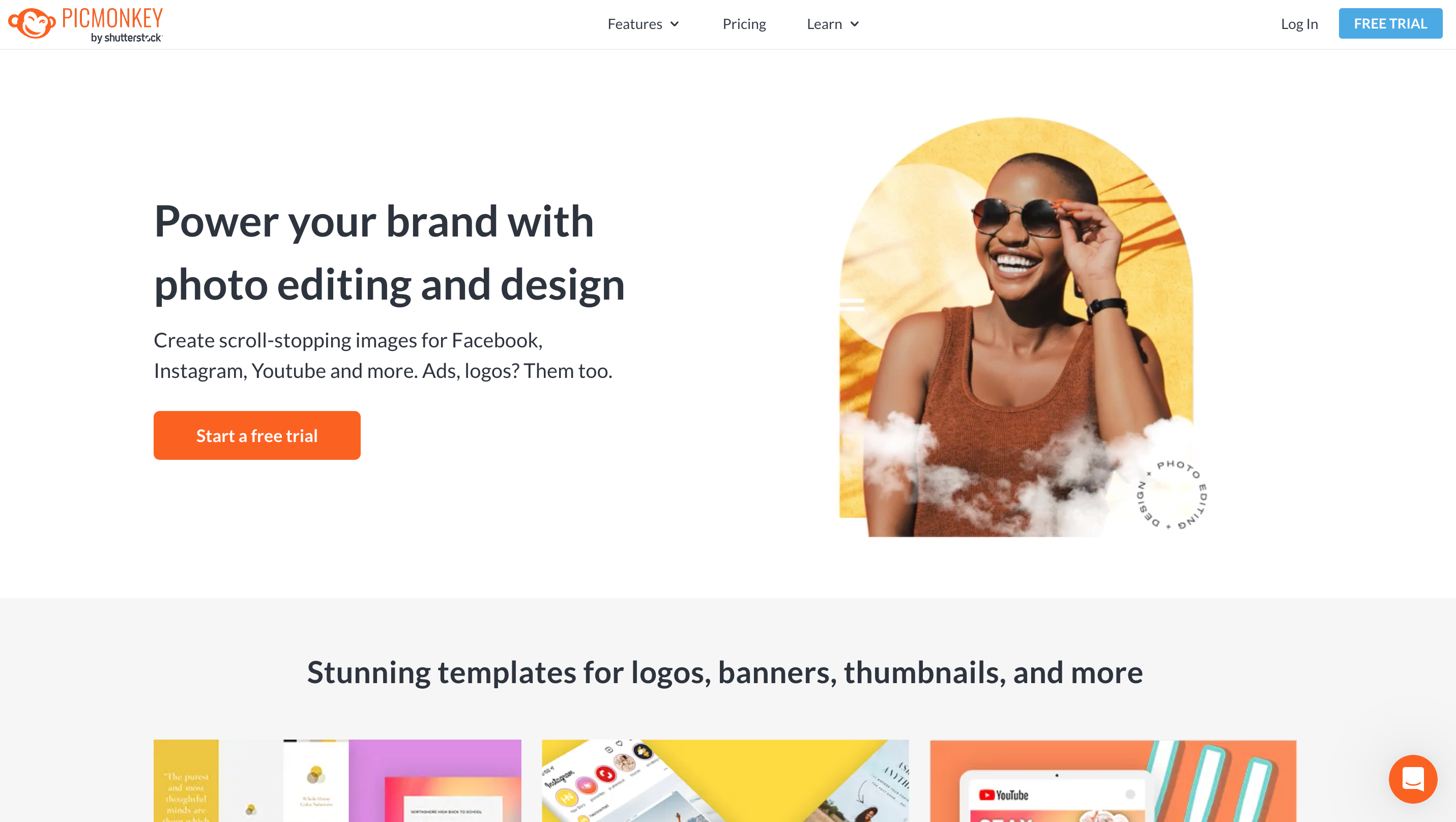
PicMonkey is a design platform that leans heavily into photo touch-up, making it a more advanced tool for image manipulation than Fotor.
What Makes It Stand Out:
Layer Control: Adjust individual elements in your design for greater creative freedom.
Professional Touch-Up Tools: Airbrush skin, fix blemishes, and whiten teeth—ideal for headshots, product photos, or promotional portraits.
Reusable Templates: Create and save brand-aligned templates for repeated campaigns or seasonal promotions.
GIF & Animation Options: Add subtle animation to posts or convert designs into GIFs for better engagement.
Best For:
Creators who want more photo editing finesse while still building marketing visuals with drag-and-drop convenience.
7. BeFunky
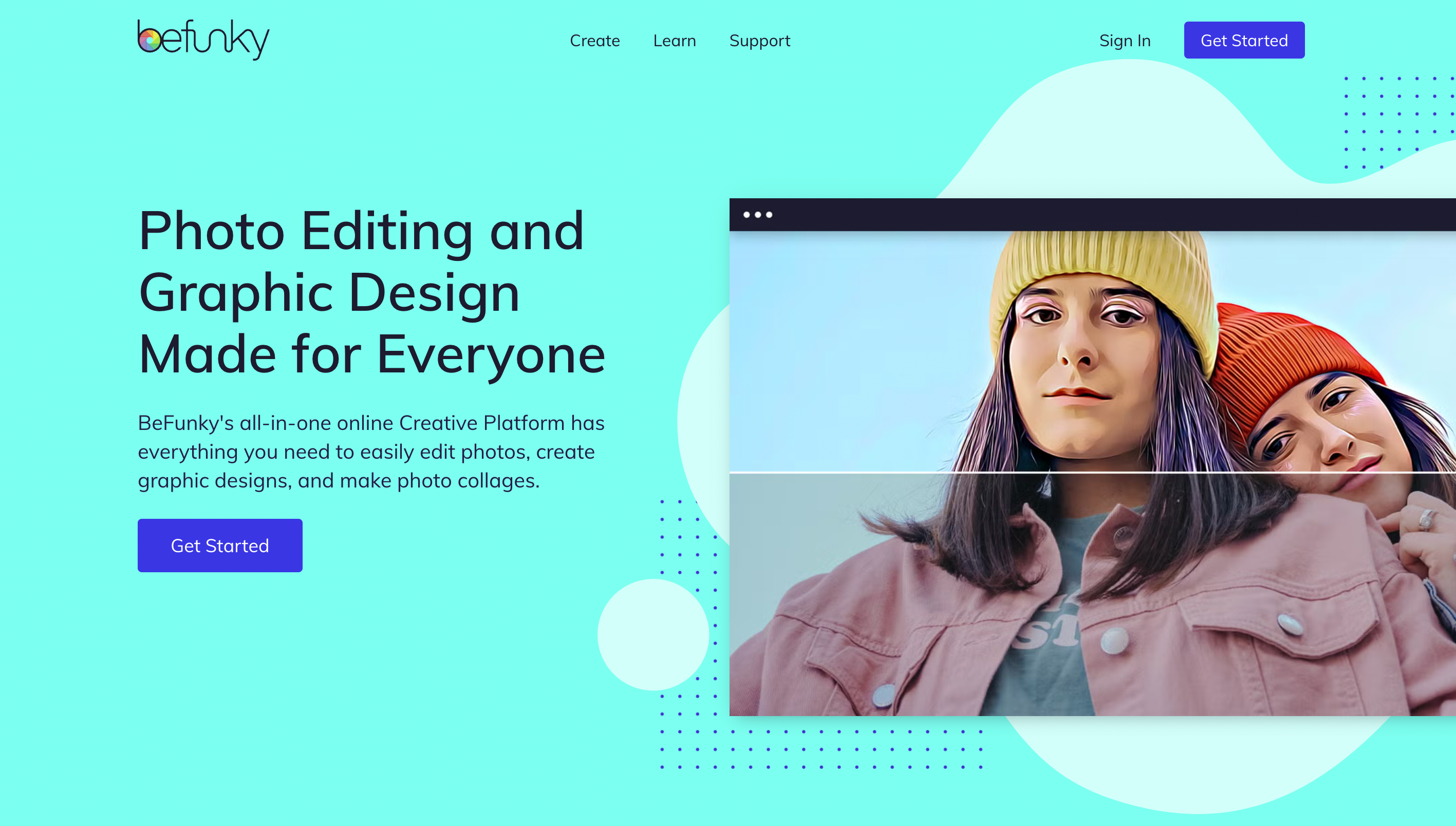
BeFunky is a playful and intuitive photo editing and graphic design tool with a strong emphasis on creativity and self-expression. It offers a balance of artistic filters, collage-making, and beginner-friendly editing tools.
What Makes It Stand Out:
Creative Filters Galore: Apply sketch, cartoonizer, oil painting, or pop art effects to transform everyday photos into bold visual statements—perfect for expressive content.
Flexible Collage Builder: Choose from grid layouts, freestyle placements, or themed templates to build engaging photo stories or portfolios.
Batch Photo Editing: Save time by processing dozens (or hundreds) of images simultaneously—great for social media managers or online stores.
Simple Graphic Design: While not as robust as PosterMyWall or Canva, it still offers customizable templates for ads, social posts, invitations, and flyers.
Best For:
Educators, students, lifestyle bloggers, or hobbyists looking for a fun and artistic design tool that’s accessible and enjoyable to use.
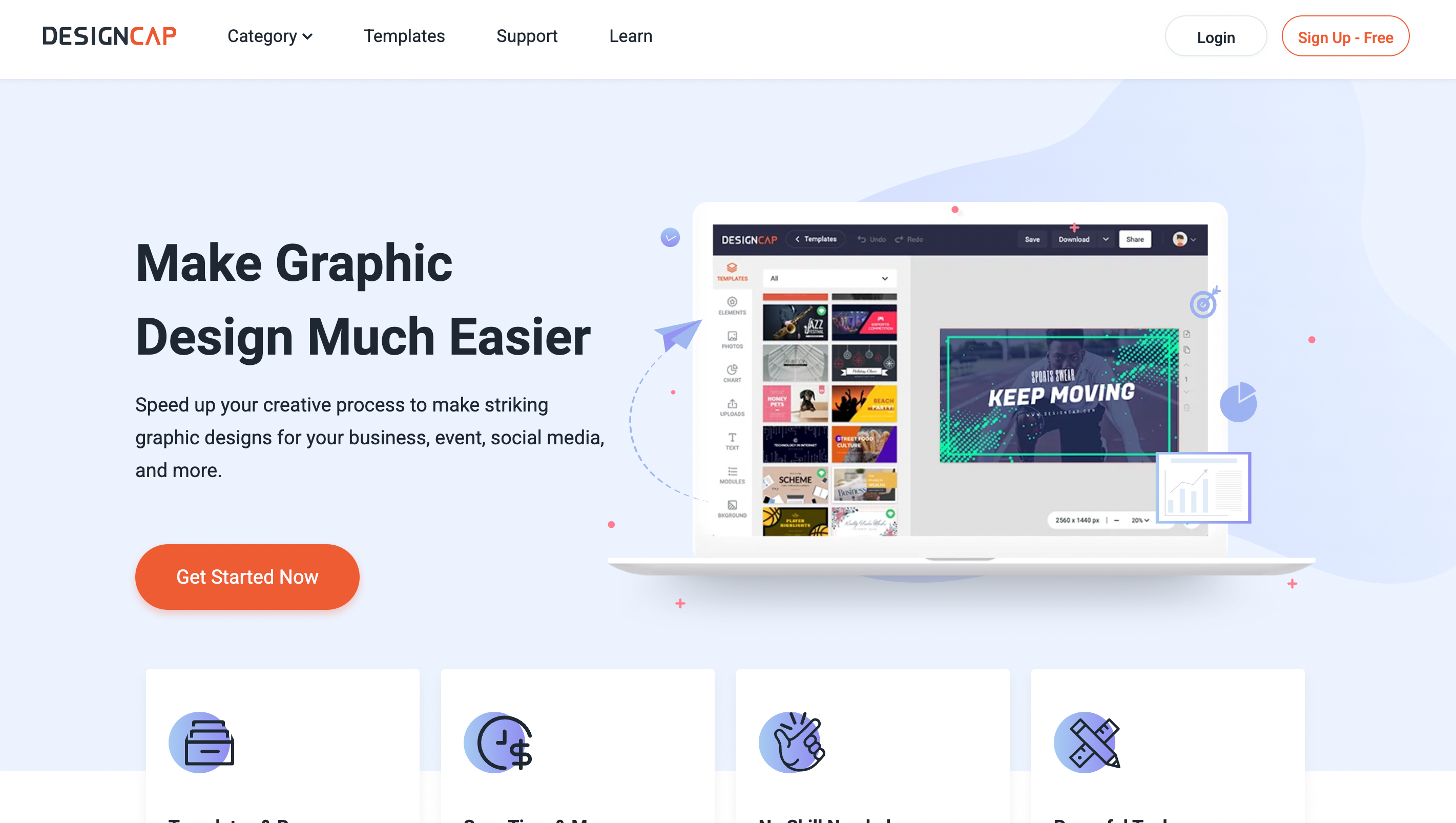
8. DesignCap
DesignCap is a sleek online design tool for users who need professional visuals for work, school, or presentations. It’s not loaded with creative effects, but it’s clean, effective, and business-friendly.
What Makes It Stand Out:
Templates for Business & Data-Driven Content: Create reports, infographics, proposals, charts, and marketing materials quickly with industry-grade layouts.
Data Visualization Tools: Turn complex data into clear visuals using customizable graphs, timelines, and diagrams—a huge plus over Fotor.
Straightforward Workflow: Users can drag, drop, and export in minutes. There’s virtually no learning curve.
Presentation Ready: Create and export pitch decks or slideshows for business, education, or nonprofit presentations.
Best For:
Small businesses, educators, and teams looking for a focused, no-fluff platform to create professional reports and graphics fast.
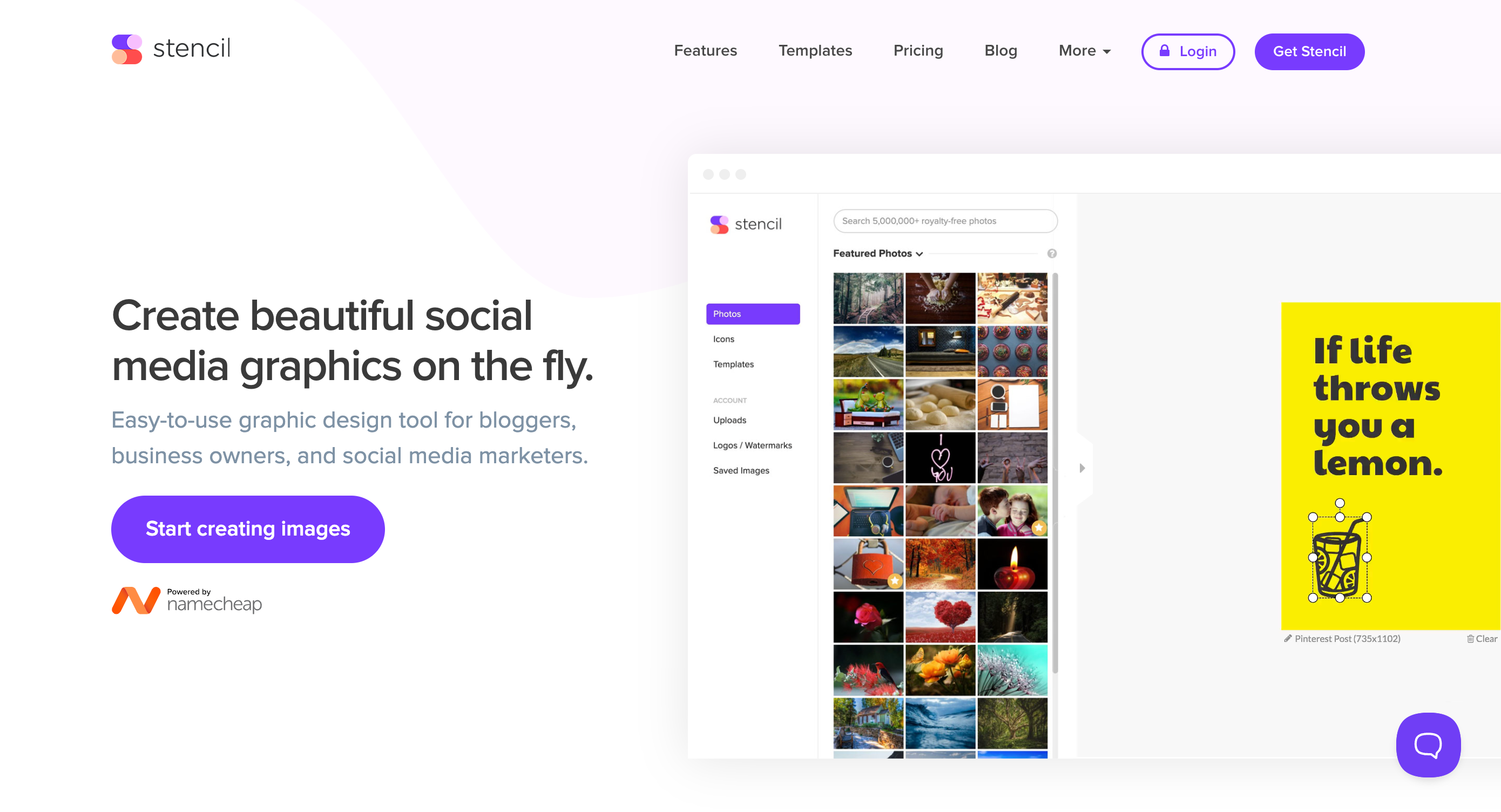
9. Stencil
Stencil is built for speed. It’s one of the quickest design tools available and ideal for marketers and bloggers who need to turn around social graphics multiple times a day.
What Makes It Stand Out:
Ultra-Fast Workflow: Create, preview, and download designs in under 5 minutes. You can even publish directly from the platform to save more time.
Massive Asset Library: Gain access to millions of royalty-free images, icons, and fonts for commercial use.
Integrations with Social Tools: Direct publishing to Buffer, WordPress, or Facebook makes it a marketer’s dream.
Browser Extension: Capture quotes or inspiration while browsing and instantly turn them into shareable graphics using Stencil's Chrome plugin.
Best For:
Solo marketers, bloggers, and entrepreneurs who want a fast, reliable tool to pump out branded visuals every day.
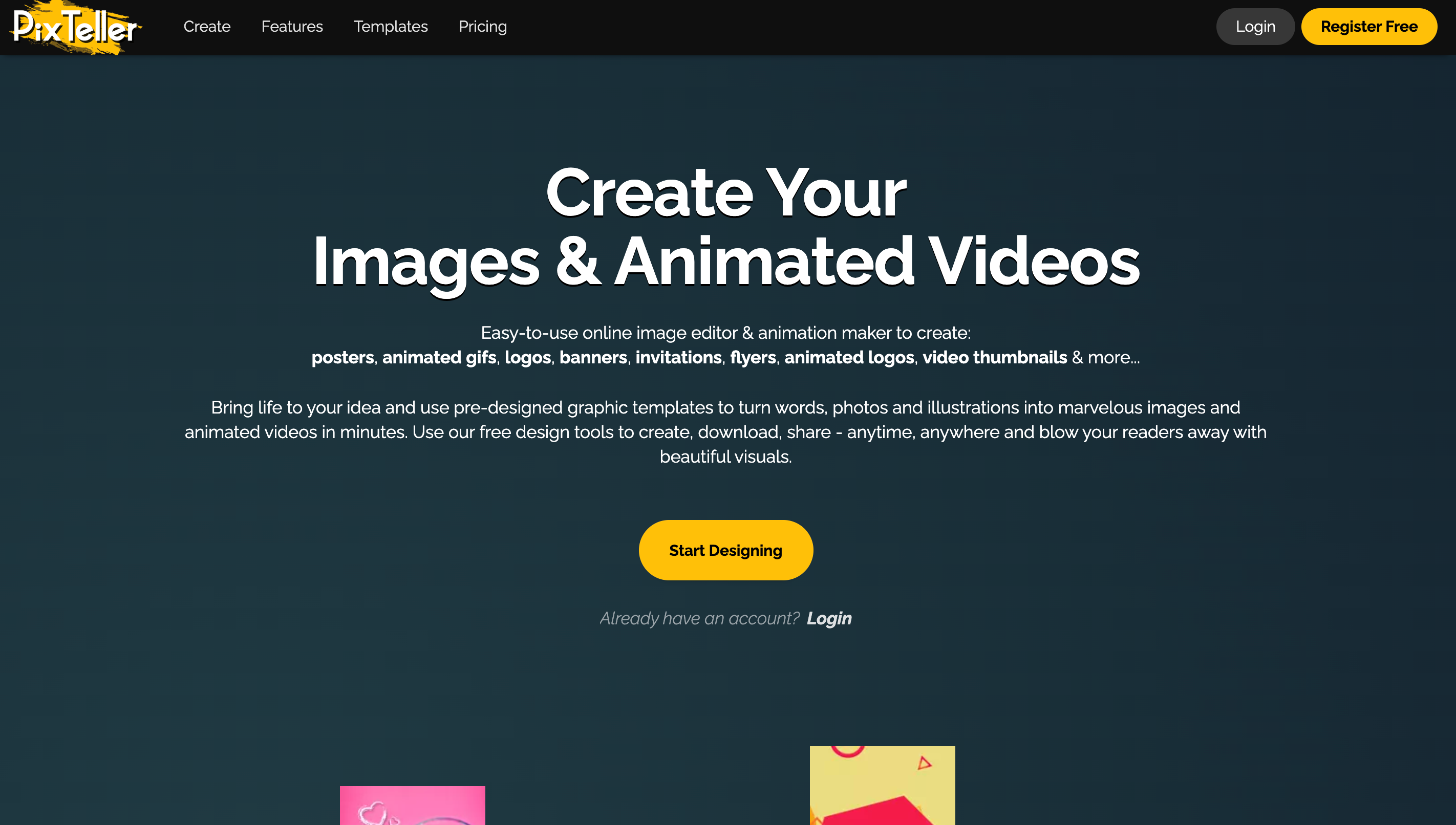
10. PixTeller
PixTeller is a lesser-known design tool that specializes in animated graphics and visual storytelling, filling a niche that Fotor does not address.
What Makes It Stand Out:
Timeline-Based Animation Editor: Animate text, elements, and graphics using frame-by-frame editing—perfect for creating animated social posts and GIFs.
Image & Video Exports: Create static designs or download your animations as videos or GIFs for different platforms.
Custom Templates: Build and save your own templates, or choose from a smaller (but highly customizable) collection of visuals.
Creative Branding Options: Great for brands looking to stand out with motion-based content.
Best For:
Social media creators, marketers, and businesses looking to break away from static content and explore basic animation.
Final Thoughts: Which Fotor Alternative Is Right for You?
Fotor is a solid starting point for photo editing, but if you’re looking to grow your brand, expand your content formats, or streamline marketing tasks, many tools on this list go further. Whether you need motion graphics, better team collaboration, or built-in publishing features, there’s a platform for you.
PosterMyWall is the most complete Fotor alternative—combining the power of photo editing, video design, marketing automation, and publishing tools under one roof. It's ideal for small businesses, educators, and marketers who want to do more in less time—without compromising quality.













 Canva vs PosterMyWall
 VistaCreate vs PosterMyWall
 Adobe Express vs PosterMyWall
 Piktochart vs PosterMyWall
 Snappa vs PosterMyWall
 Fotor vs PosterMyWall
 Placeit vs PosterMyWall
 Visme vs PosterMyWall
 Venngage vs PosterMyWall
 Buffer vs PosterMyWall
 Hootsuite vs PosterMyWall
 Sprout Social vs PosterMyWall
 Later vs PosterMyWall
 Agorapulse vs PosterMyWall
 Zoho Social vs PosterMyWall
 Coschedule vs PosterMyWall
 Sendible vs PosterMyWall
 Loomly vs PosterMyWall
 Stripo vs PosterMyWall
 Mailchimp vs PosterMyWall
 Constant Contact vs PosterMyWall
 Brevo vs PosterMyWall
 GetResponse vs PosterMyWall
 Kit vs PosterMyWall
 Moosend vs PosterMyWall
 Omnisend vs PosterMyWall
 Eventbrite vs PosterMyWall
 Evently vs PosterMyWall
 Facebook Events vs PosterMyWall






