Open accessibility menu Skip to page content

Edit photos instantly with AI Photo Editor

Dull photo? Cluttered background? Type the fixes you want to make and edit like a pro.

Edit photos instantly with AI Photo Editor

How to use AI Photo Editor

  • 1

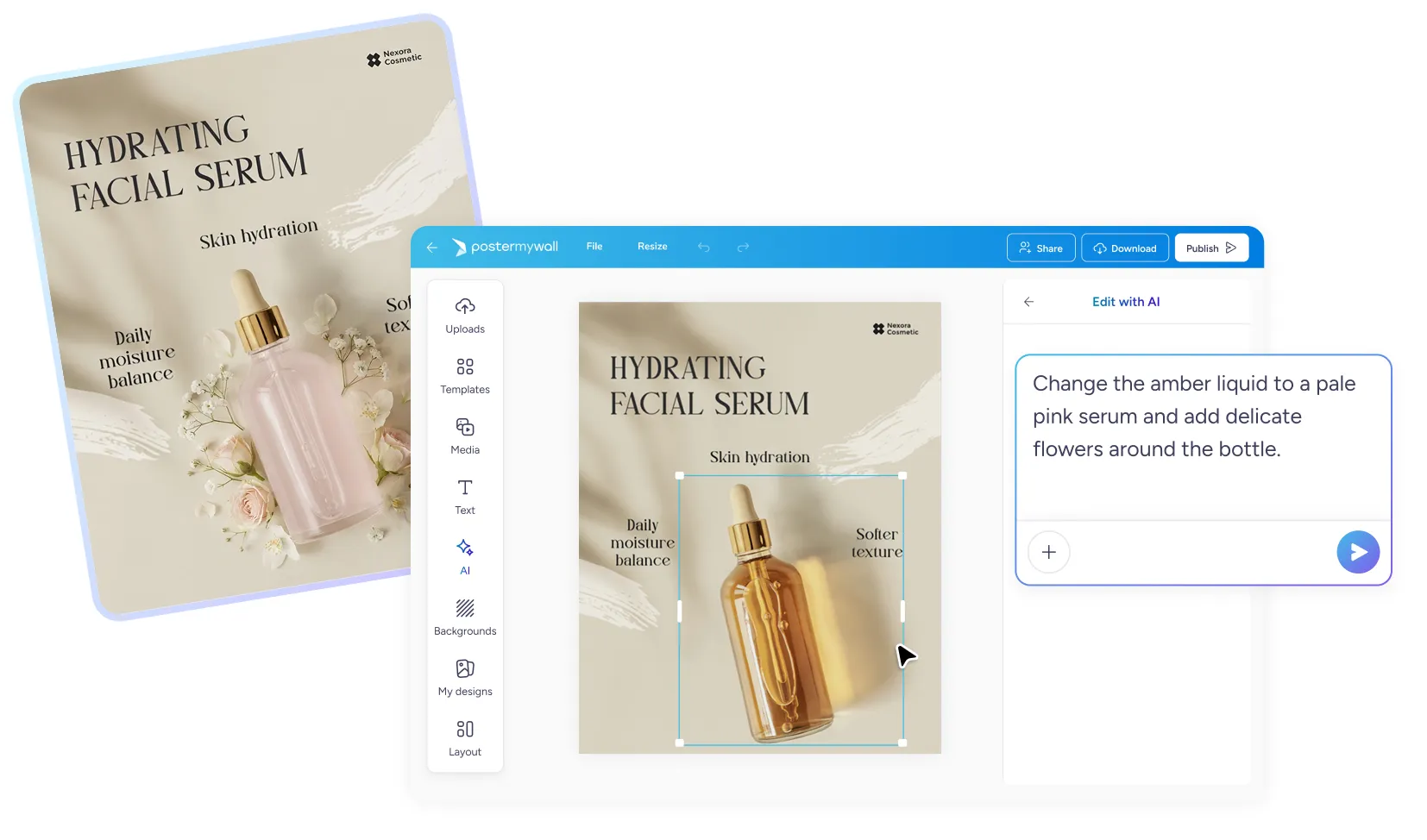
    Select an image in the editor. Click any photo or static element in your design.

  • 2

    Click AI Edit to begin the chat.

  • 3

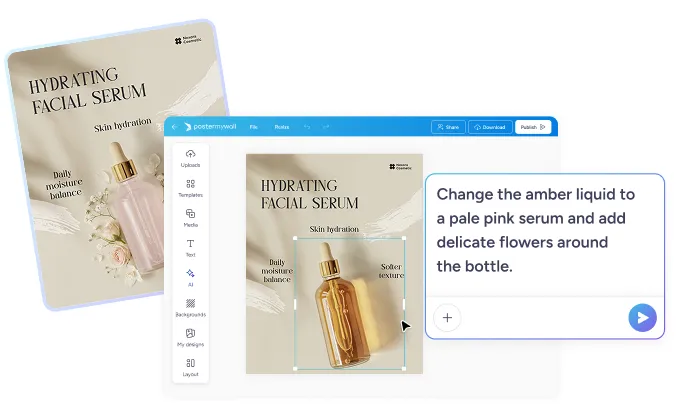
    Describe your edit. Type what you want changed. You can also choose preferences.

Quick edits with AI Photo EditorQuick edits with AI Photo Editor

Quick edits with AI Photo Editor

Edit pictures instantly, no learning curve!

  • Skip the manual tools. No layers, no masks, no complicated menus. Just describe the change you want and AI makes it happen.

  • Edit without leaving your design. Make image tweaks right inside the editor. No need to jump between apps.

Get the perfect result every time

Get the perfect result every time

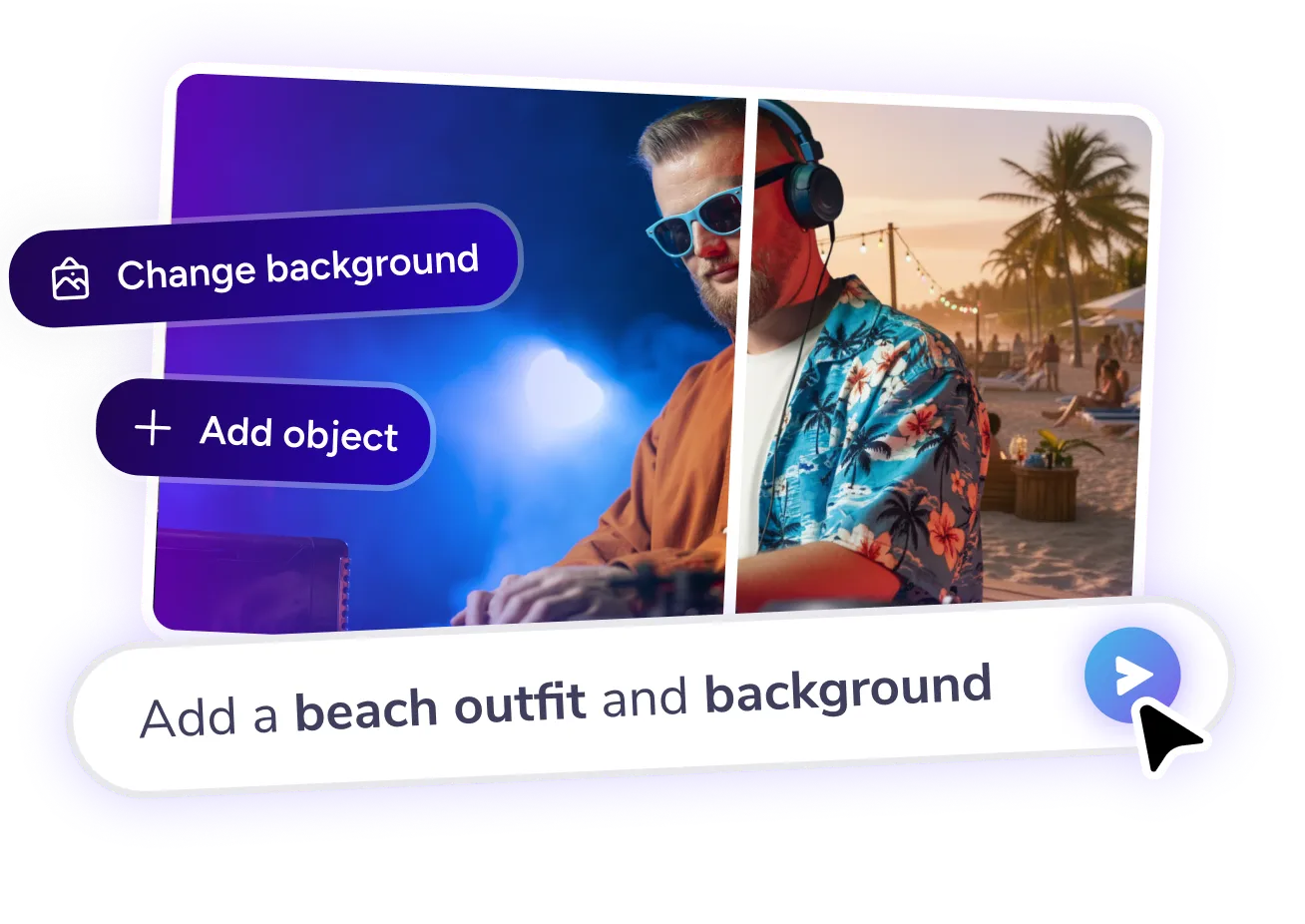
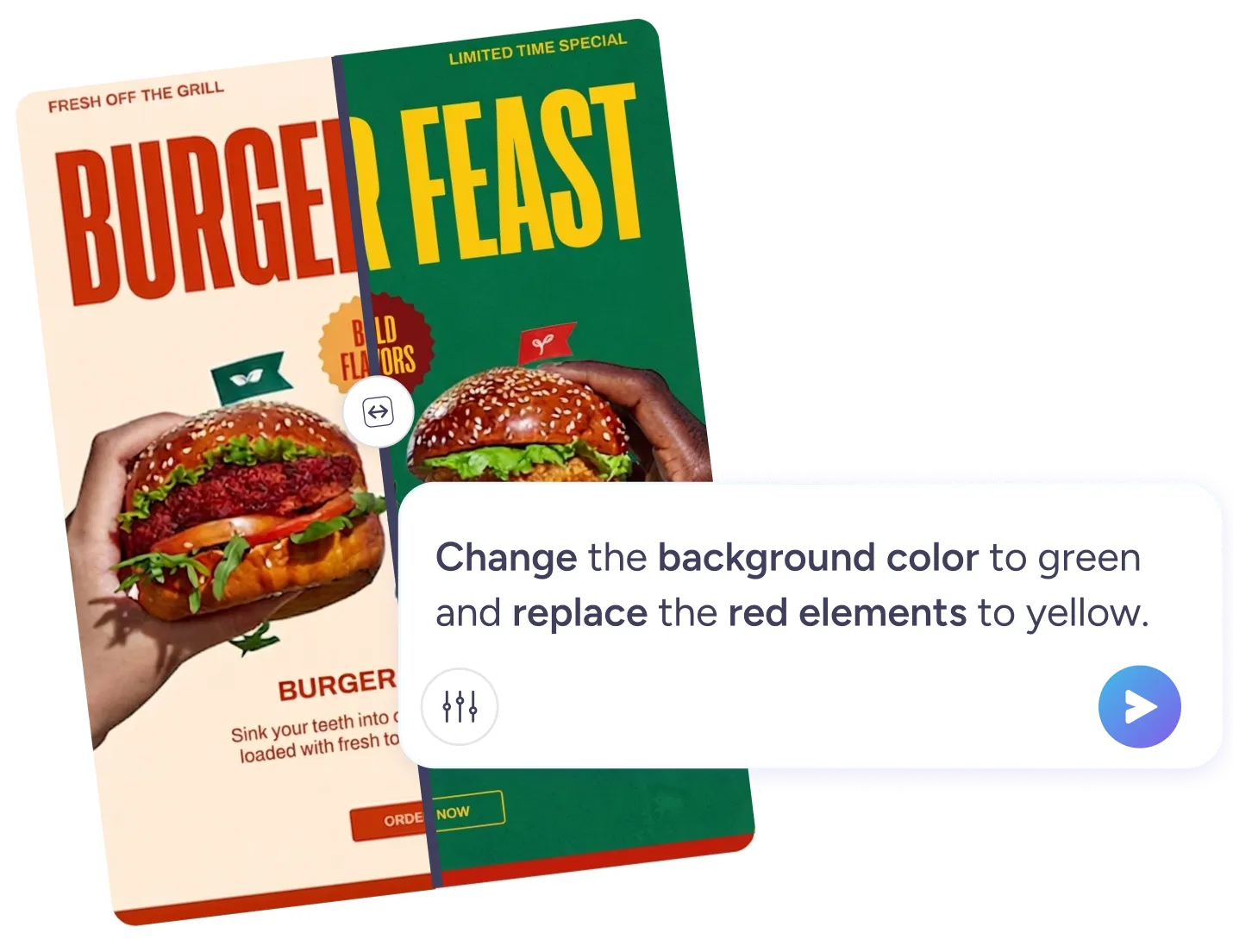
  • Change the background. Swap a cluttered background for a clean color, studio backdrop, or a new scene - just describe it!

  • Replace an object. Remove or replace a distracting item, outdated logo, or stray detail with a simple prompt.

  • Enhance your photo. Use the Enhance button next to AI Edit for a one-click boost: get sharper detail and improved clarity!

Discover more awesome marketing tools

Level up with Premium


Design anything, anytime, anywhere

Design anything, anytime, anywhere

  • Simplified design tools

    Create stunning designs in minutes with millions of templates and drag-and-drop editing. From digital content to print materials, quickly customize designs and resize them to fit any platform.

  • Design smarter with AI

    Supercharge your creativity with AI tools that make design faster and easier. Remove image and video backgrounds, create unique images with AI, add automatic subtitles to videos, and more. Flawless content every time!

  • Work together, on the go

    Share designs, provide real-time feedback, and stay aligned with your team across projects. With our mobile app for on-the-go editing and collaboration, you can keep the creative process flowing whenever, wherever.

Frequently asked questions

What is an AI Photo Editor?

AI Photo Editor lets you edit images inside your design using simple text prompts. Select any photo or static element, click AI Edit, describe the change in the chat, and AI updates it automatically.

What kind of edits can AI Photo Editor make?

AI Photo Editor can remove or replace backgrounds, add or remove objects, and change the overall mood or style of a photo, all based on your prompt.

Can I use AI Photo Editor on any image?

Yes, AI Photo Editor works on photos and static image elements you've added to your PosterMyWall design, including your own uploads.

How many times can I edit the same photo?

You can re-edit the same photo as many times as you'd like to get the result you want. Editing a static element requires 2 credits while removing a background image requires 3.

What makes a good AI Photo Editor prompt?

The best prompts are specific. Name the exact change you want, along with any style or mood details; for example, "replace the background with a clean white studio backdrop" or "make the colors warmer and more vibrant."
Is AI Photo Editor available on the free plan?

AI Photo Editor requires a PosterMyWall premium subscription and uses credits. Free plan users can try it by signing up for a free trial or by upgrading to Premium.