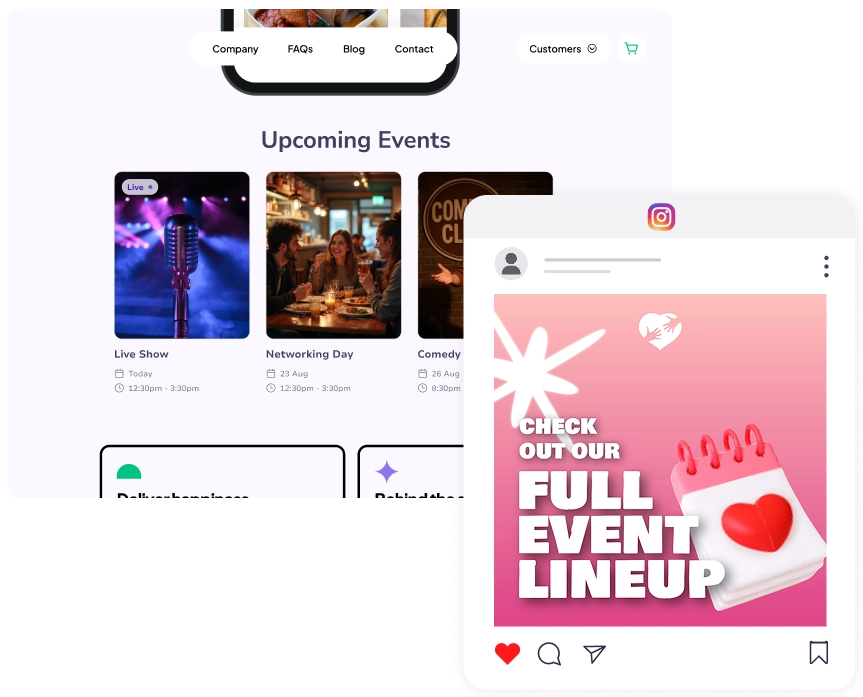
How to embed your event calendar
No coding needed!
No coding needed!
-
1Add your events
Click 'Create a new event' and add your upcoming events. Switch to the "Events calendar" tab to see them in one place.
-
2Copy your embed code
Go to My Stuff > Events > Events Calendar. Click "Embed", then "Copy code" to grab the HTML snippet.
-
3Paste in on your website
Use a custom HTML block on WordPress, Wix, Squarespace, or GoDaddy to paste the code.